How To Fix A Massage Gun That Won’t Turn On: Quick Fixes
Most massage guns will turn on after charging, checking the power switch, and resetting the battery safely.
Learning how to fix a massage gun that won't turn on can save you a repair bill and a lot of frustration. In most cases, the cause is simple: a drained battery, loose charger, locked control, or safety fault. This guide explains each likely cause in clear steps, plus when it is safer to stop troubleshooting and contact the manufacturer.

How to fix a massage gun that won't turn on: Start with safety
Before trying to repair your massage gun, check for signs of damage. Do not use or charge the device if you see a swollen battery, melted plastic, a burned smell, exposed wires, or liquid inside the handle.
A massage gun contains a rechargeable lithium-ion battery. Like the battery in a phone or laptop, it can become unsafe if crushed, overheated, punctured, or charged with the wrong adapter.
Follow these basic safety rules:
• Unplug the charger before opening any cover.
• Do not use a metal tool to bridge battery contacts.
• Keep the device away from water and heat.
• Use only the charger supplied by the brand or a confirmed compatible replacement.
• Never open a sealed battery pack unless you are trained to service lithium batteries.
If the massage gun became hot while charging, move it to a dry, nonflammable area and let it cool. A warm charger can be normal, but intense heat, smoke, or a sharp chemical smell is not.

Check the power button and control lock
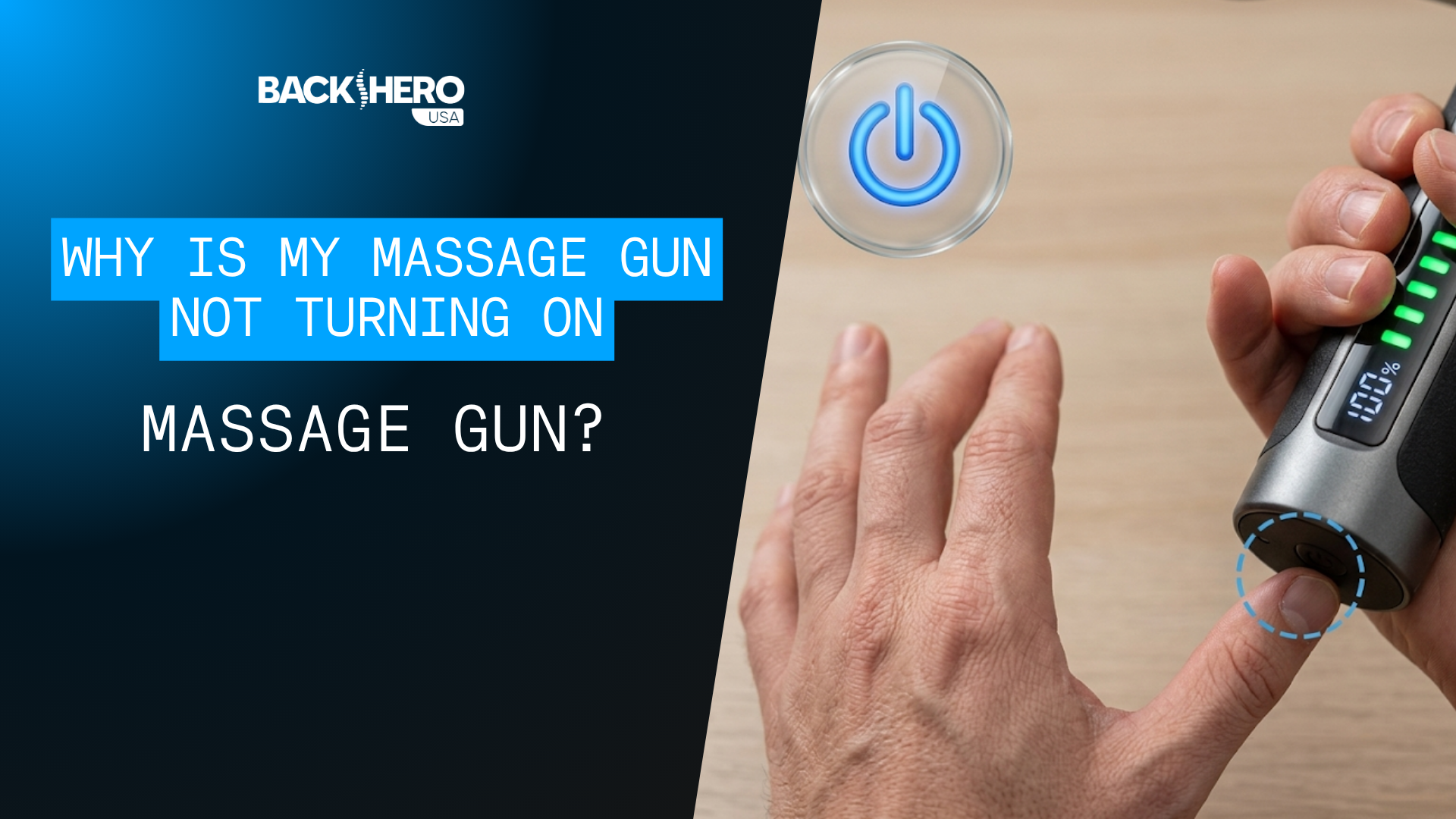
The first step in how to fix a massage gun that won't turn on is checking the power button. Many models use a long press instead of a quick press.
Press and hold the power button for three to five seconds. A short tap may only show the battery level or place the device in standby mode.
Some massage guns also have a travel lock. This prevents the motor from starting inside a suitcase or gym bag. Look for a lock symbol in the manual or on the display.
Try these steps:
-
Remove the massage head from the device.
-
Press and hold the power button for five seconds.
-
If the screen flashes, release the button and press it again.
-
Look for a lock icon, “LOC” message, or blinking light.
-
Hold the power and speed buttons together for several seconds if the manual lists that reset method.
Do not press the button repeatedly with force. A stuck button can happen when sweat, dust, or massage oil reaches the control panel. Wipe around the button with a dry, soft cloth. Do not spray cleaner directly onto the device.

Charge the battery fully
A completely empty battery is the most common reason a massage gun will not start. Some models show no light at all when the battery has fallen below its safe operating level.
Connect the charger directly to a wall outlet. Avoid testing with a damaged power strip, loose extension cord, or weak USB port.
Use this charging checklist:
• Confirm that the charging plug is fully inserted into the massage gun.
• Check whether the charger light turns on.
• Look for a charging icon, red light, or blinking battery symbol.
• Leave the device charging for at least 30 minutes before trying to start it.
• Charge it fully according to the user manual, often for two to four hours.
• Try a different wall outlet if there is no charging signal.
Do not run the motor while the device is charging unless the manufacturer says this is safe. Most massage guns are designed to stay off during charging.
If the battery was stored empty for many months, it may have entered a protection mode. In that case, a longer charge may help, but repeated failed charging attempts can point to a worn battery or charger.

Inspect the charger, cable, and charging port
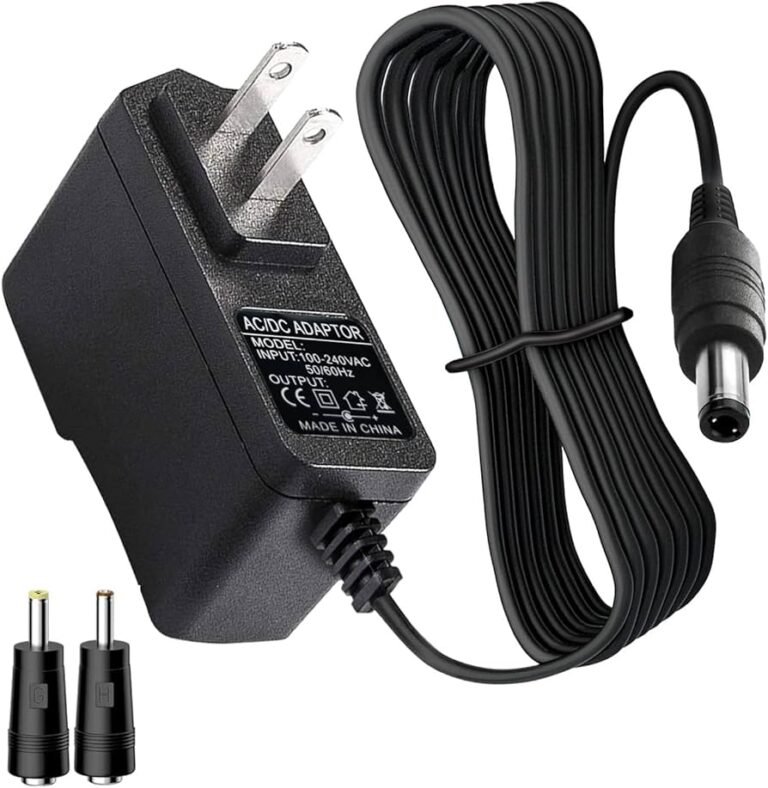
When learning how to fix a massage gun that won't turn on, do not overlook the charging system. The massage gun may be healthy while the cable or adapter has failed.
Inspect the cable from end to end. Look for cuts, bent pins, loose plastic, exposed wire, or a plug that feels unusually loose. Gently move the connector while the device is charging. If the charging light flickers, the port or cable may have a poor connection.
Check the charging port for lint or dust. Use a dry wooden toothpick or a soft, dry brush to remove loose debris. Never push metal into the port, and never pour cleaner into it.
If you have a compatible spare charger, compare the required specifications. The voltage must match the original charger. A charger with the wrong voltage can damage the battery management system or create a safety risk.
A USB-C connector does not always mean that every USB-C charger will work. Some devices need a specific power level or charging protocol. The manual is the best guide.

Reset the massage gun
A temporary software or protection fault can make a working massage gun appear dead. A reset often clears this problem.
To reset the device, disconnect the charger and remove any massage attachment. Hold the power button for 10 to 15 seconds. Wait one minute, then connect the original charger and try charging again.
Some models use a different reset process. Common options include:
• Holding the power button and the plus button together.
• Holding the power button while connecting the charger.
• Pressing a small reset button with a nonmetal tool.
• Allowing the battery to cool before restarting.
Use the instructions for your exact model. Reset methods are not universal, and forcing an unknown button combination may activate a hidden mode.
In my troubleshooting experience, a reset is most helpful after the device shuts off during use or after a charger is removed suddenly. It is less likely to fix a battery that has failed due to age or physical damage.
Check for overheating or overload protection
Massage guns have built-in protection systems. The motor may stop when the device gets too hot, works against too much pressure, or detects an electrical problem.
If the gun stopped during a deep massage, let it rest for 20 to 30 minutes. Remove the massage head and place the unit in a cool, dry room. Do not put it in a refrigerator or freezer because condensation can damage the electronics.
Next, inspect the massage head. A head that is stuck, cracked, or packed with hair can place extra load on the motor. With the device turned off, rotate or remove the attachment according to the manual.
Avoid pressing the massage gun hard against bone or using maximum speed for long periods. More pressure does not always mean a better massage. It can strain the motor and may irritate muscles or nerves.
If the device becomes hot again within a few minutes, stop using it. Repeated overheating can signal a failing motor, blocked vent, damaged battery, or internal electrical fault.

Look for battery failure
If charging, resetting, and checking the controls do not help, the battery may be worn out. Rechargeable lithium-ion batteries lose capacity over time. Heavy use, high heat, and long storage at zero charge can speed up this decline.
Battery failure is more likely when:
• The massage gun is several years old.
• It runs for only a few seconds before stopping.
• The battery indicator changes suddenly.
• The device will not charge with a known-good charger.
• The handle becomes unusually hot.
• The battery case looks swollen or misshapen.
Do not try to puncture, squeeze, freeze, or “jump-start” the battery. These actions can cause fire or injury. Battery replacement should be handled by the manufacturer, an authorized repair center, or a qualified technician.
A replacement battery must match the original voltage, connector, dimensions, and protection circuit. A battery that physically fits may still be electrically unsafe.
Test the device after each step
A good troubleshooting process changes one thing at a time. This helps you identify the real cause instead of guessing.
Use this simple test order:
-
Remove the massage head.
-
Disconnect the charger.
-
Hold the power button for five seconds.
-
Check the display or indicator light.
-
Connect the original charger.
-
Wait at least 30 minutes.
-
Try the power button again.
-
Test with a compatible spare charger only if the specifications match.
-
Allow the device to cool and repeat the reset process.
If the gun turns on, run it at the lowest speed for one minute. Listen for grinding, clicking, buzzing, or uneven motor sounds. Stop immediately if the noise is abnormal or the housing heats quickly.
This slow approach is safer than repeatedly forcing the device to start. It also gives customer support useful details about what happened.
Common reasons a massage gun will not turn on
Understanding the cause makes how to fix a massage gun that won't turn on much easier. The problem usually falls into one of five groups.
Empty or damaged battery
The battery may be fully drained, worn out, or unable to accept a charge. A long charging period with the correct adapter can help, but a damaged battery needs professional replacement.
Faulty charger or cable
A broken cable, loose adapter, or dirty port can prevent charging. Test the outlet and inspect the entire charging path before blaming the massage gun.
Locked controls
Travel lock, child lock, or standby mode can block normal startup. A long press or model-specific button combination may unlock it.
Thermal protection
The motor may shut down after heavy pressure or extended use. Cooling the device and reducing pressure can solve a temporary shutdown.
Internal electronic failure
A failed switch, circuit board, motor, or battery protection system requires repair. Opening the device may cancel the warranty and increase the danger.
Mistakes to avoid when fixing a massage gun
Many repair attempts cause more harm than the original problem. Avoid these common mistakes:
• Using a random laptop or phone charger.
• Charging the device on a bed, couch, or other soft surface.
• Spraying alcohol or lubricant into the power button.
• Running the gun while it is hot.
• Holding the power button down for several minutes.
• Opening the handle while the battery is connected.
• Buying a replacement battery based only on size.
• Continuing to use the device after a burning smell or swelling appears.
One mistake I often see is assuming that a charging light means the battery is healthy. The light may only show that the adapter is receiving power. The battery could still be unable to store energy.
Another common mistake is applying more pressure when the motor stops. A massage gun is not meant to be forced into the body. Light, steady contact is safer for both the user and the motor.
When to contact the manufacturer
You should contact the manufacturer or an authorized repair center when how to fix a massage gun that won't turn on involves internal parts.
Contact support if:
• The device is still under warranty.
• The charger works, but the unit shows no response.
• The battery is swollen or unusually hot.
• The massage gun was dropped or exposed to water.
• The device smells burned.
• The charging port is loose or broken.
• A reset and full charge do not solve the problem.
Before contacting support, collect the model name, serial number, purchase date, charger details, and a short description of the symptoms. A brief video showing the charging light and power button may also help.
Do not hide damage or water exposure. Accurate details help the technician choose the right repair and protect you from unsafe advice.
How to prevent the problem in the future
Once you know how to fix a massage gun that won't turn on, a few habits can reduce repeat problems.
Store the device in a cool, dry place. Avoid leaving it in a hot car, damp bathroom, or direct sunlight. Clean the massage heads after use and keep dust away from the charging port.
Charge the battery before it reaches zero when possible. If you will not use the gun for several months, store it with a partial charge rather than fully empty. Check the manual for the brand’s recommended storage level.
Use gentle pressure and take short breaks during long sessions. Keep the vents clear, and never cover the device while it is charging.
These habits protect the battery, motor, and control board. They also help the massage gun deliver steady performance for longer.
Frequently asked questions
Why will my massage gun not turn on after charging?
The charger, cable, port, battery, or power button may be the cause. Unplug the device, hold the power button for five seconds, and test it with the original charger and a different wall outlet.
How long should I charge a massage gun before turning it on?
Charge it for at least 30 minutes before testing it if the battery was completely empty. For normal use, follow the full charging time listed in the user manual.
Can I use any USB-C charger for my massage gun?
No. USB-C plugs may look the same, but chargers can have different voltage and power ratings. Use the supplied charger or a replacement that matches the manufacturer’s specifications.
Why does my massage gun turn off as soon as I start it?
A weak battery, blocked massage head, overheating, or motor fault can cause immediate shutdown. Remove the attachment, let the device cool, and try a full charge before seeking service.
Is it safe to replace a massage gun battery myself?
Battery replacement can be dangerous because lithium-ion cells may short, overheat, or catch fire. Use an authorized repair service unless you have proper battery repair training and the manufacturer supports user replacement.
How do I unlock a massage gun?
Press and hold the power button for three to five seconds, then check for a lock icon or code. If that does not work, use the unlock instructions for your exact model because button combinations differ.
Can water damage stop a massage gun from turning on?
Yes. Moisture can cause corrosion or a short circuit. Stop charging the device, dry the exterior, and contact the manufacturer if water may have entered the handle.
Conclusion
The best way to fix a massage gun that won't turn on is to start with simple checks: use the correct charger, inspect the port, hold the power button, remove the attachment, and allow the unit to cool. A full reset may clear a temporary fault, but swelling, heat, burning smells, or liquid damage require professional help.
Do not open a sealed battery or use an unapproved charger just to get the device working. Follow these steps carefully, protect the battery, and contact the manufacturer when the problem points to an internal failure. If this guide helped, save it for your next troubleshooting session and share your experience in the comments.