How To Fix An Eye Massager Not Heating: Quick Guide
An eye massager not heating usually needs a power check, clean sensors, a reset, or safe service.
A warm eye massager can feel soothing after a long day of screen use. But when the heat stops, the problem may be as simple as a low battery or a disabled heat mode. It can also point to a damaged heating element or control board. This guide explains how to fix an eye massager not heating with safe, practical steps based on common device designs and troubleshooting methods.
How to fix an eye massager not heating safely
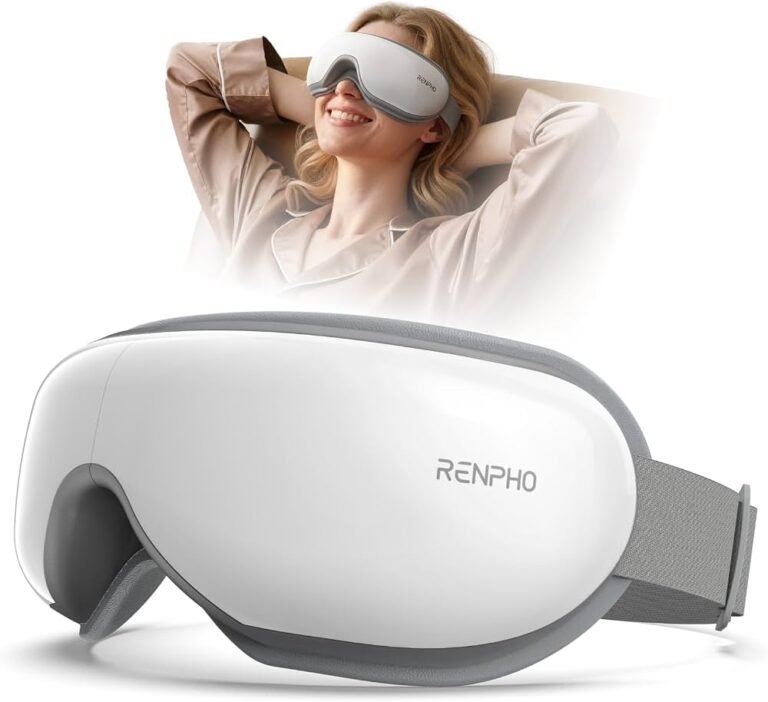
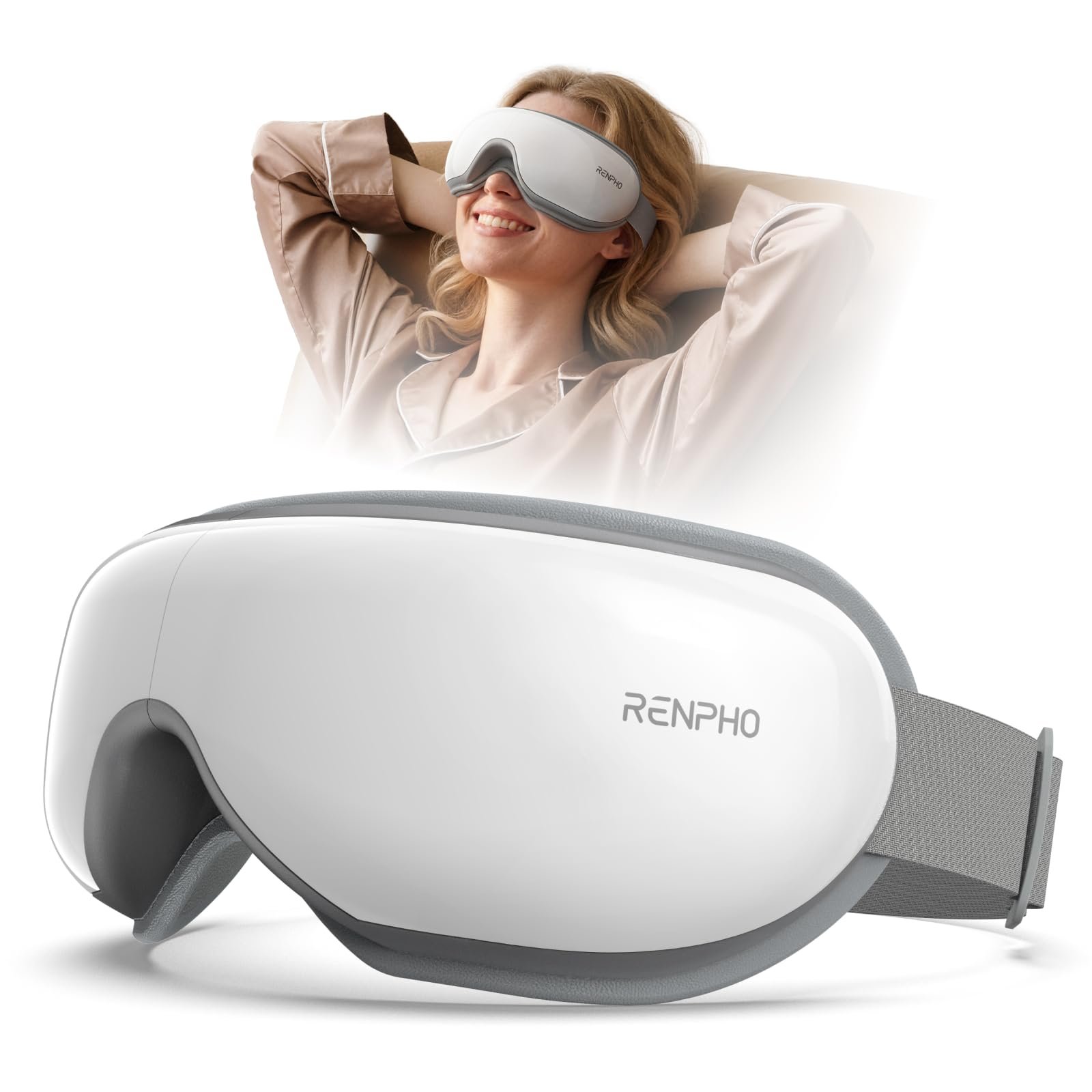
Most eye massagers use a small heating element, temperature sensor, control chip, battery, and fabric or silicone contact area. If one part fails, the massage and vibration functions may still work while the heat does not.
Before you begin, stop using the device if it smells burnt, becomes unusually hot, shows swelling, sparks, or has a damaged cable. Heat near the eyes needs extra care. Never open a rechargeable device unless you have the right tools and experience with lithium-ion batteries.
The safest process is to test the simple causes first:
- Turn the massager off.
- Charge it fully with the correct cable and adapter.
- Clean the charging port and skin-contact sensors.
- Turn on the heat mode by following the manual.
- Reset the device.
- Test it for a short time.
- Contact the seller if the heating function still fails.

Check whether the heat setting is actually on
A common reason for an eye massager not heating is that the heat function is separate from the main power button. Many models use one button for power and another for heat. Some require a long press, double press, or a tap after the massage program starts.
Read the button guide in the manual. Look for labels such as Heat, Warm, Temperature, or a small flame icon. Check whether the device has more than one heat level.
Try these steps:
• Turn the massager on and wait for the startup sound.
• Press the heat button once and watch for a light or voice prompt.
• Hold the heat button for two to three seconds if a short press does nothing.
• Select a program that includes heat, since some modes provide massage only.
• Wait two to five minutes before deciding that the heat has failed.
Some products warm slowly. They may use gentle heat instead of a hot surface. This design helps reduce the risk of skin irritation near the eyes, so the device may feel warm rather than hot.
Inspect the battery, charger, and power source
Low power can disable heat before it stops other features. Heating needs more energy than vibration or music, so an eye massager may still turn on while its heat function remains inactive.
Charge the product until the indicator shows full power. Use the cable and adapter recommended by the manufacturer. A weak USB port, damaged cable, or low-output adapter may charge the battery too slowly.
Check the following:
• Try another safe USB power adapter with the correct output.
• Test a different charging cable if the connector fits properly.
• Look for a loose, bent, or dirty charging port.
• Let the device cool before charging it again.
• Do not use a swollen battery or a charger that becomes very hot.
If the massager works only while connected to power, its battery may be worn out. Do not use it during charging unless the manual clearly says that this is safe. Some devices disable heat while charging to protect the battery.
When learning how to fix an eye massager not heating, power testing should come before any repair attempt. It is quick, low risk, and often solves the problem.
Clean the sensors and contact points
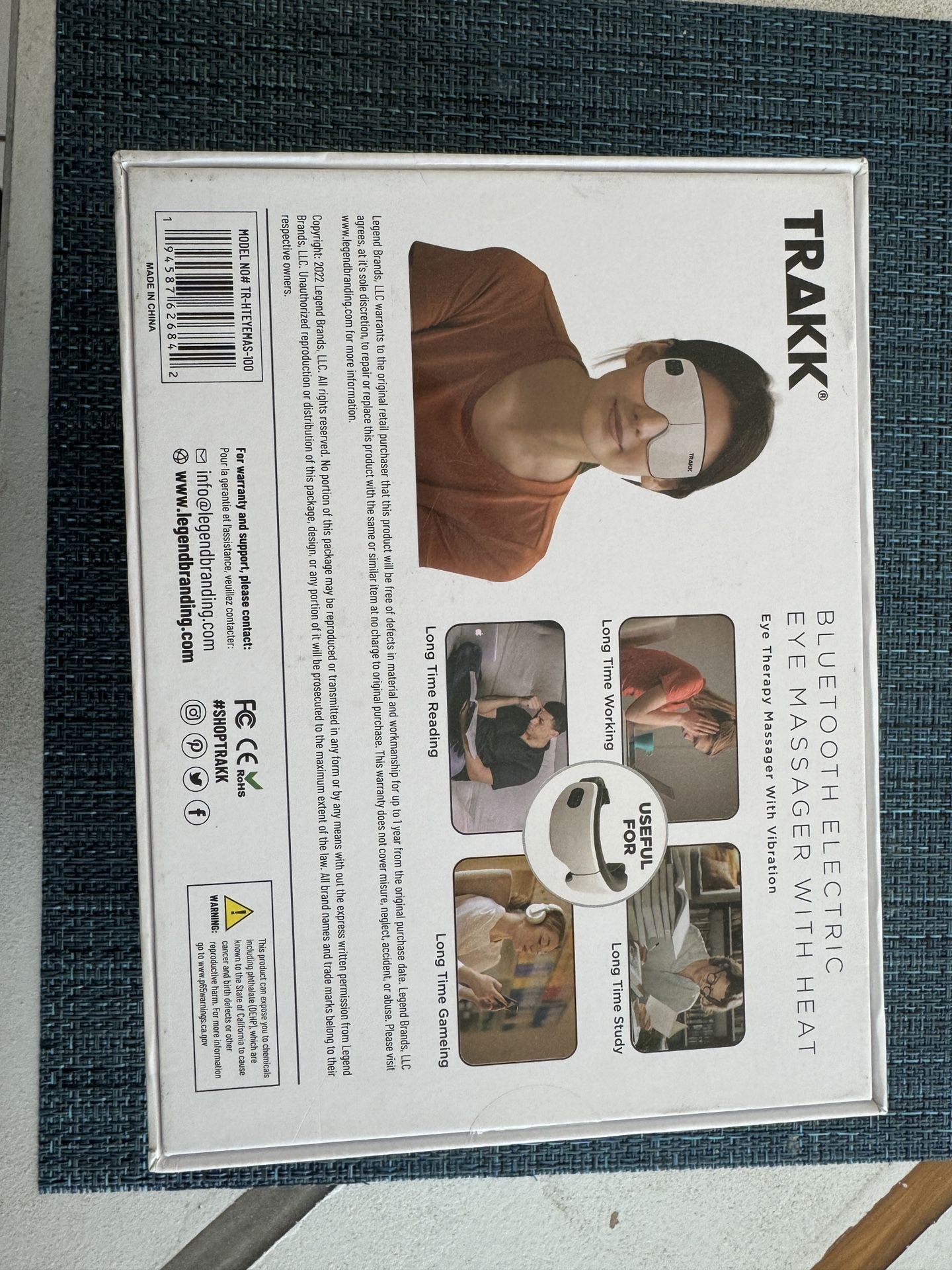
Some eye massagers use sensors to detect proper contact with the face. If the sensor does not detect contact, the product may prevent heating as a safety feature.
Skin oil, makeup, dust, and sweat can cover these points. The mask may then massage or vibrate but refuse to warm.
Clean the device this way:
- Turn it off and unplug it.
- Wipe the face-contact area with a soft, slightly damp cloth.
- Use a dry cotton swab around small sensor openings.
- Allow the device to dry fully.
- Avoid alcohol, bleach, strong cleaners, and excess water unless the manual permits them.
Do not press hard on the eye cushions or sensor windows. They can contain thin wires or delicate plastic parts. Also, never place the device in water.
If the product has removable fabric covers, wash them only as directed. A wet cover can block heat and may damage internal parts if it is put back too soon.
Reset the eye massager
A software error can stop the heat function even when the hardware is fine. A reset clears temporary errors and restores the device’s normal control settings.
The reset method differs by brand. Common options include:
• Holding the power button for 10 to 15 seconds.
• Holding the power and heat buttons together.
• Removing the device from a companion app and pairing it again.
• Turning it off, waiting 30 seconds, and restarting it.
Check the manual before using a button combination. A reset may erase saved settings, Bluetooth connections, or custom programs.
After resetting, fully charge the device and test the heat on its lowest setting. This helps you tell the difference between a software issue and a hardware failure.
A useful troubleshooting lesson is to change one thing at a time. If you reset, change the charger, and clean the sensors at once, you may not know which step solved the problem.
Look for temperature and safety limits
Eye massagers often include a temperature sensor and an automatic shutoff timer. These features can stop heat when the device reaches its set limit or detects an unsafe condition.
The heat may also stop when:
• The session timer ends.
• The battery level becomes too low.
• The device gets too warm inside.
• The mask is folded or blocked during use.
• The room or device temperature is outside the recommended range.
Let the massager rest for at least 20 to 30 minutes if it feels warm. Keep vents clear, if the product has them. Do not cover the device with a blanket or use it under a pillow.
Never try to make the device hotter by adding a heating pad, hot towel, or external power source. Extra heat can harm the skin and damage the battery.
Test the device in the correct way
Testing an eye massager not heating requires patience. Hold the device in the normal position, choose the correct program, and give it enough time to warm.
Use this simple test:
- Charge the massager fully.
- Clean the contact surfaces.
- Select the lowest heat setting.
- Wear the device correctly without tightening it too much.
- Wait up to five minutes.
- Compare the warmth with the product manual’s description.
- Stop immediately if the heat feels painful or uneven.
Do not test the heating element with a metal object, a wet cloth, or a multimeter unless you understand electrical safety. A short circuit can damage the device or create a shock and fire risk.
Remember that “not heating” can mean two different things. The massager may produce mild warmth that is hard to notice, or it may produce no heat at all. Use the manual’s temperature range when available instead of guessing by touch.

Check for a warranty or replacement option
If the heat worked before and suddenly stopped, the heating element, sensor, wiring, or control board may have failed. These parts are usually sealed inside the mask and are not designed for home repair.
Check:
• The purchase date.
• The warranty period.
• The return policy.
• The model and serial number.
• Proof of purchase.
Contact the manufacturer or retailer and explain the exact symptoms. Tell them whether the vibration, sound, air pressure, Bluetooth connection, and charging functions still work.
Avoid opening the eye massager during the warranty period. Removing screws, cutting fabric, or replacing wires may cancel coverage. It may also expose you to a damaged lithium battery.
When figuring out how to fix an eye massager not heating, replacement is often safer than repair if the product is inexpensive, sealed, or still under warranty.
When you should stop using the device
Stop using the massager at once if you notice:
• A burning smell.
• Smoke or sparks.
• A swollen body or battery compartment.
• Cracked plastic near the eye area.
• Exposed wires.
• Sudden extreme heat.
• Skin redness, pain, numbness, or blistering.
Seek medical advice for persistent eye pain, vision changes, swelling, or irritation. An eye massager is a comfort device, not a treatment for glaucoma, dry eye disease, infection, retinal problems, or other eye conditions.
People with recent eye surgery, severe eye disease, reduced skin sensation, or conditions affected by heat should ask a qualified health professional before using a heated eye device. Children should not use one without adult supervision.
Common mistakes that prevent heating
Many failed fixes come from simple user mistakes. Avoid these common problems:
• Using an incompatible fast charger.
• Expecting every massage mode to include heat.
• Testing the device with a nearly empty battery.
• Covering the vents during a session.
• Washing the device instead of wiping it.
• Pressing buttons while the device is still booting.
• Using a damaged cable because it “still charges.”
• Opening the mask without checking the warranty.
• Setting the heat level low and assuming the function is broken.
One mistake I often see in device troubleshooting is testing for only a few seconds. Small heating elements may need several minutes to reach their target level. Follow the recommended warm-up time before deciding that an eye massager not heating needs service.
How to prevent the problem in the future
Good care can extend the life of the heating system and battery. Store the massager flat in a cool, dry place. Keep it away from direct sunlight, hot cars, bathrooms with heavy steam, and sharp objects.
After each use:
• Wipe away sweat and makeup.
• Let the device dry before storing it.
• Charge it with the correct cable.
• Do not leave it connected to power for long periods unless the manual allows this.
• Keep the cushions and sensor areas clean.
• Follow the recommended session length.
Do not bend the mask sharply. Repeated folding can strain internal wires, especially near hinges and flexible sections. Treat the device like a pair of glasses with electronics inside: gentle handling matters.
What to tell customer support
Clear details help support teams solve the issue faster. Write down the model, purchase date, and steps you have already tried.
Include answers to these questions:
• Does the device turn on?
• Does massage or vibration still work?
• Does the heat icon appear?
• Does the battery charge normally?
• Did the problem start after cleaning, dropping, or charging?
• Does the device show an error code?
A short video of the buttons and indicator lights may also help. Do not send private information or open the device just to provide pictures of the inside.
Support may offer a reset procedure, replacement cable, warranty repair, or full replacement. If the product is recalled or has a known battery issue, follow the manufacturer’s instructions rather than attempting a personal repair.

Frequently Asked Questions
Why is my eye massager not heating but still vibrating?
The heat and vibration systems usually use separate circuits. A low battery, disabled heat mode, failed sensor, or damaged heating element can affect heat while vibration continues to work.
How long does an eye massager take to heat up?
Many models need about two to five minutes to feel warm. Always follow the product manual, because some devices use mild heat and may feel only slightly warmer than your skin.
Can I repair the heating element myself?
Most eye massagers are sealed, so home repair is not recommended. Opening the case can damage the battery, create a fire risk, and cancel the warranty.
Can a low battery stop an eye massager from heating?
Yes. Heat often uses more power than vibration, so the device may keep other features active while disabling warmth. Fully charge it with the correct cable and test it again.
Is it safe to use an eye massager that smells burnt?
No. Turn it off, unplug it, and stop using it. A burnt smell can indicate overheating, damaged wiring, or a battery fault.
Should I use an eye massager while it is charging?
Only if the manual clearly permits it. Some products disable heating during charging, while others may become warm near the battery or charging circuit.
How can I tell if the heat function is working?
Choose the correct heat mode, wear the device normally, and wait several minutes. The warmth should be gentle and even, not painful, sharply hot, or limited to one small spot.
Conclusion
An eye massager not heating may have a simple cause, such as low power, a hidden heat setting, dirty sensors, or a temporary software error. Charge it fully, clean it carefully, reset it, and test it according to the manual.
If the device still fails, do not open it or add outside heat. Use the warranty, contact the manufacturer, or replace the unit, especially if you notice burning, swelling, sparks, or extreme heat. Try these steps today, and share your experience or model-specific solution in the comments to help other users.