How To Fix A Massage Chair Remote: Easy Troubleshooting
Most massage chair remotes work again after checking the power, batteries, cable, pairing, and stuck buttons.
Learning how to fix a massage chair remote can save you a service call and keep your chair out of the repair shop. The right fix depends on the symptoms, but a careful check often reveals a simple cause. This guide explains safe, practical steps for wired and wireless remotes, plus signs that call for professional help.
How to fix a massage chair remote: Start with safety
Before learning how to fix a massage chair remote, unplug the massage chair from the wall. This protects you from electrical hazards and prevents the chair from moving while you inspect it.
Wait at least 60 seconds after unplugging the chair. Some models may hold a small electrical charge for a short time. Never open the chair’s main control box unless you have proper electrical training.
Keep these items nearby:
• Fresh batteries that match the remote’s required size
• A soft, dry cloth
• A small flashlight
• A cotton swab
• Isopropyl alcohol, preferably 70%
• Your chair’s user manual
• A phone camera for taking pictures of cable connections
Do not use water, oil, metal tools, or force. A remote is like a small computer with a fragile keypad. Gentle care works better than pressure.

Identify the type of massage chair remote
The first step in how to fix a massage chair remote is knowing what type of remote you have. Most massage chairs use one of three designs.
Wired massage chair remote
A wired remote connects to the chair with a cable. The cable may plug into the side of the chair, the armrest, or a control port near the seat.
Common problems include:
• Loose plugs
• Bent connector pins
• Frayed cables
• Damage near the remote or chair entry point
• A broken port on the control board
A wired remote may still light up even when its control signals do not reach the chair.
Wireless massage chair remote
A wireless remote usually uses infrared or radio frequency signals. It needs working batteries and, in some cases, a pairing process.
Common problems include:
• Weak batteries
• Blocked signal paths
• Lost pairing
• A damaged infrared lens
• Interference from another device
• A failed receiver inside the chair
Point an infrared remote toward the chair’s sensor. The sensor may be near the display panel or lower front section.
Touchscreen or digital controller
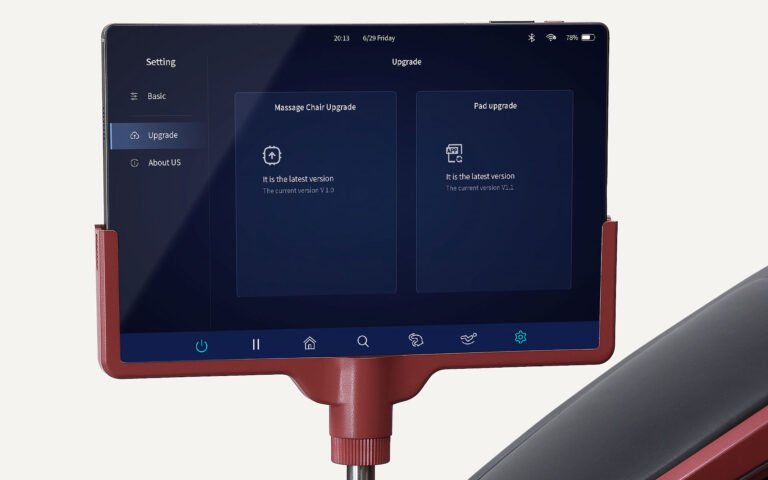
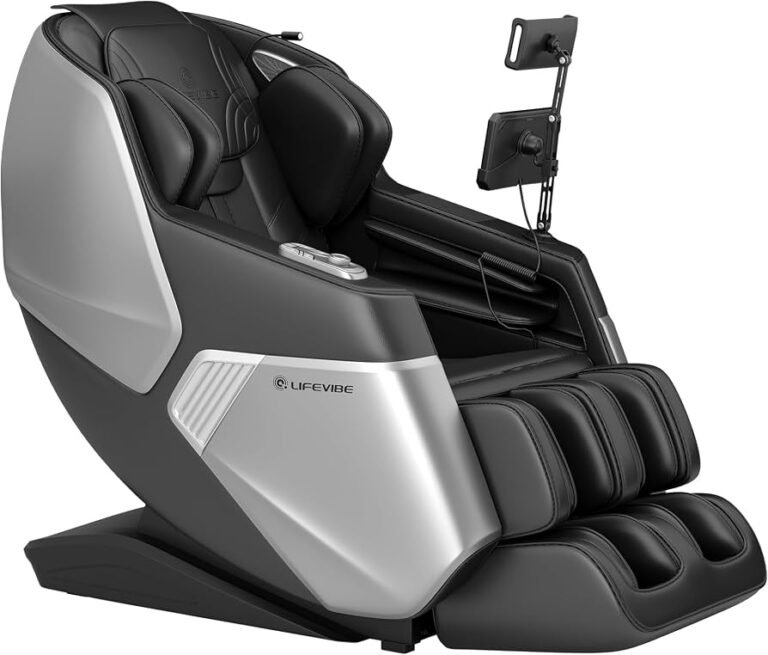
Some newer massage chairs use a touchscreen tablet or digital control panel. These devices may freeze because of software errors, low battery power, or a failed charging cable.
Treat the controller like a tablet. Avoid pressing hard on the screen or using sharp objects to clean it.
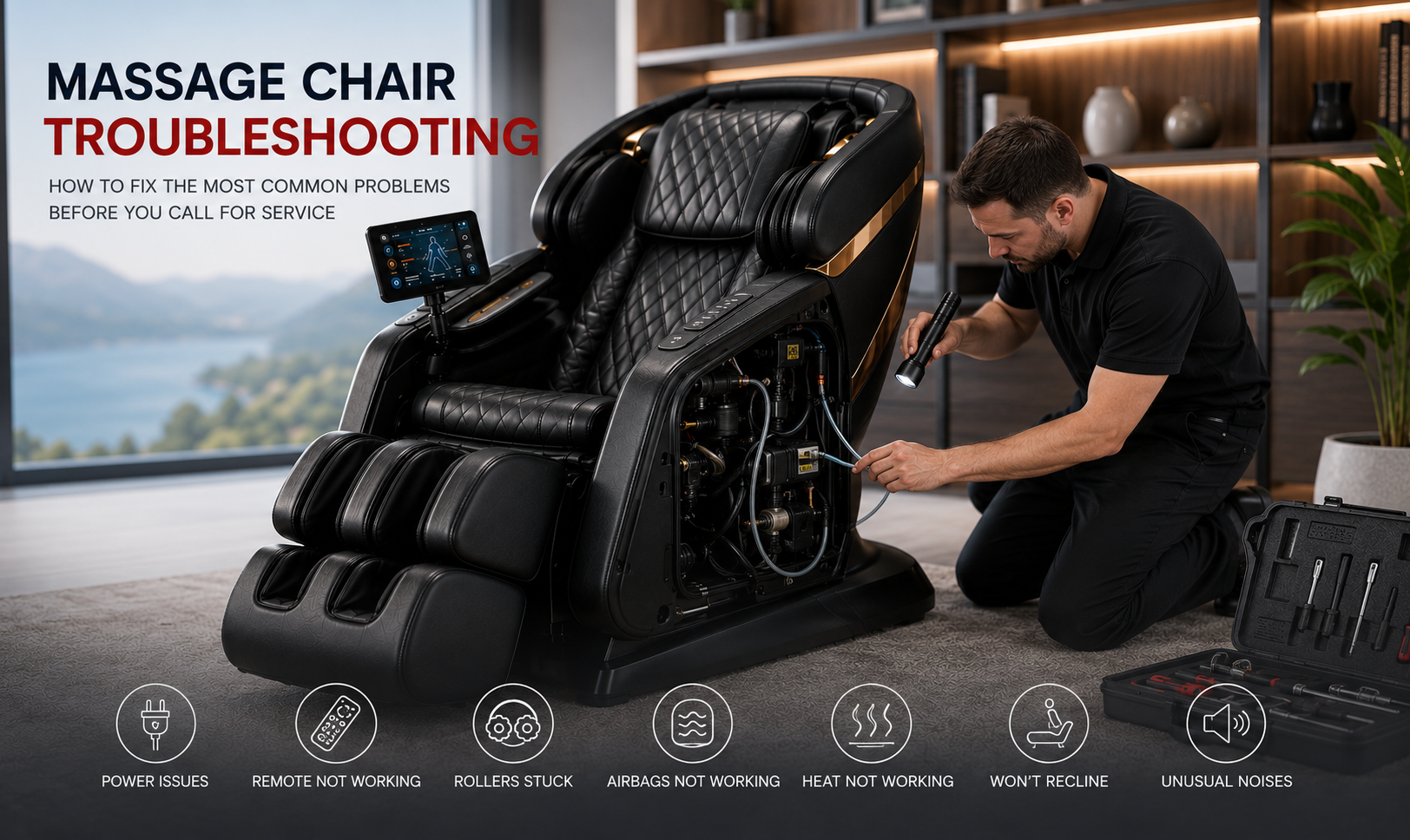
Check the power before testing the remote
A dead massage chair can look like a broken remote. Check the chair’s power cord, wall outlet, power switch, and circuit protection before taking the remote apart.
Follow these steps:
- Plug another small device into the same wall outlet.
- Confirm that the chair’s power cord is fully inserted.
- Turn the main power switch off and on.
- Check for a reset switch, if your model has one.
- Inspect the cord for cuts, crushed areas, or loose sections.
- Plug the chair directly into the wall instead of using an extension cord.
If the chair has no lights, sound, or movement, the remote may not be the problem. The fault could involve the chair’s fuse, power board, wiring, or main controller.
Stop testing if you smell burning plastic, see smoke, hear repeated popping, or notice a hot plug. Unplug the chair and contact a qualified service technician.

Replace and test the remote batteries
Weak batteries are one of the most common reasons a massage chair remote stops working. Even if the display appears dimly, the batteries may not provide enough power for reliable signals.
Use this process:
- Remove all old batteries.
- Check the battery compartment for white, green, or brown corrosion.
- Install a complete set of new batteries.
- Match the positive and negative symbols.
- Close the cover firmly.
- Test several buttons from different parts of the remote.
Do not mix old and new batteries. Do not mix alkaline, lithium, and rechargeable batteries unless the manual allows it.
If corrosion is present, unplug the chair if the remote is wired. Clean light residue with a cotton swab lightly dampened with isopropyl alcohol. Let the compartment dry fully before installing batteries.
If new batteries drain within days, the remote may have an internal short. The chair may also have a problem that keeps sending power to the controller.
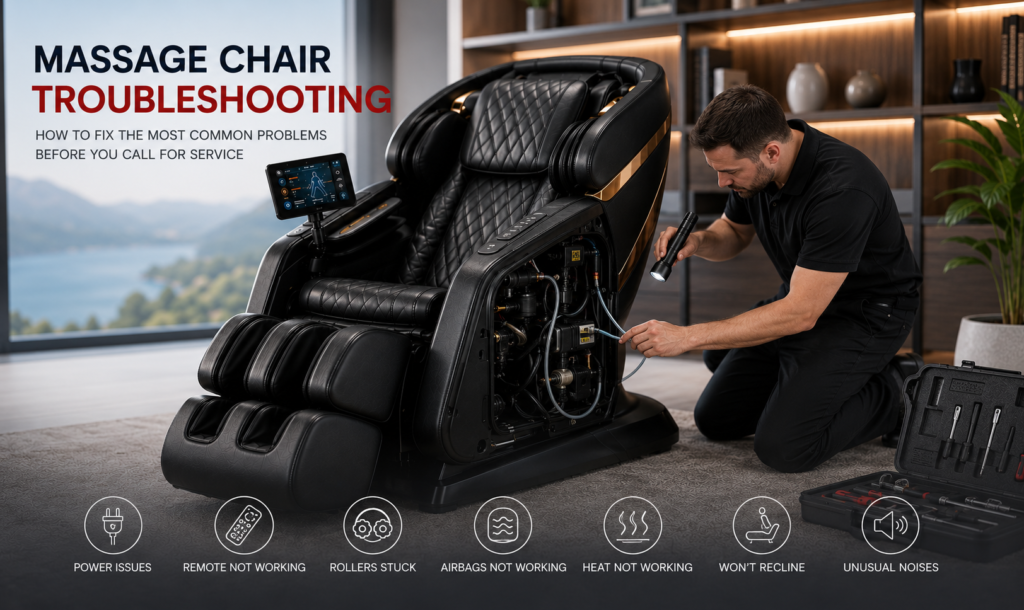
Inspect the cable and connection
For a wired remote, the cable is often the weak point. It bends each time someone sits down, moves the remote, or stores it beside the chair.
To inspect it safely:
• Follow the cable from the remote to the chair.
• Look for cuts, pinches, twists, or flattened areas.
• Check whether the plug sits straight in its port.
• Unplug and reconnect the cable without twisting it.
• Look for bent or pushed-in pins.
• Test the remote while gently moving the cable near each end.
If the remote works only when the cable is held at a certain angle, the wire may be broken inside its insulation. Replace the cable or remote with a model-approved part.
Do not tape a damaged cable and continue using it near moving parts. Tape may hide the damage but will not restore a safe electrical connection.
Many manufacturers use connectors that look similar but have different wiring. Never assume that a plug from another chair will work just because it fits.

Clean stuck or unresponsive buttons
A remote may seem dead when only one button is stuck. Dirt, skin oil, spilled drinks, and dust can stop a rubber keypad from making contact.
Unplug the chair if the remote is wired. Remove the batteries from a wireless remote. Then:
- Wipe the outside with a dry microfiber cloth.
- Use a cotton swab with a small amount of isopropyl alcohol.
- Clean around the button edges.
- Press each button gently several times.
- Wait until the remote is completely dry.
- Reconnect the remote or reinstall the batteries.
Never pour cleaner onto the keypad. Never spray cleaner into the remote. Liquid can travel under the buttons and damage the circuit board.
If one button stays pressed, the remote may send a constant command. This can prevent other functions from working. A replacement keypad or remote is often more practical than a board-level repair.
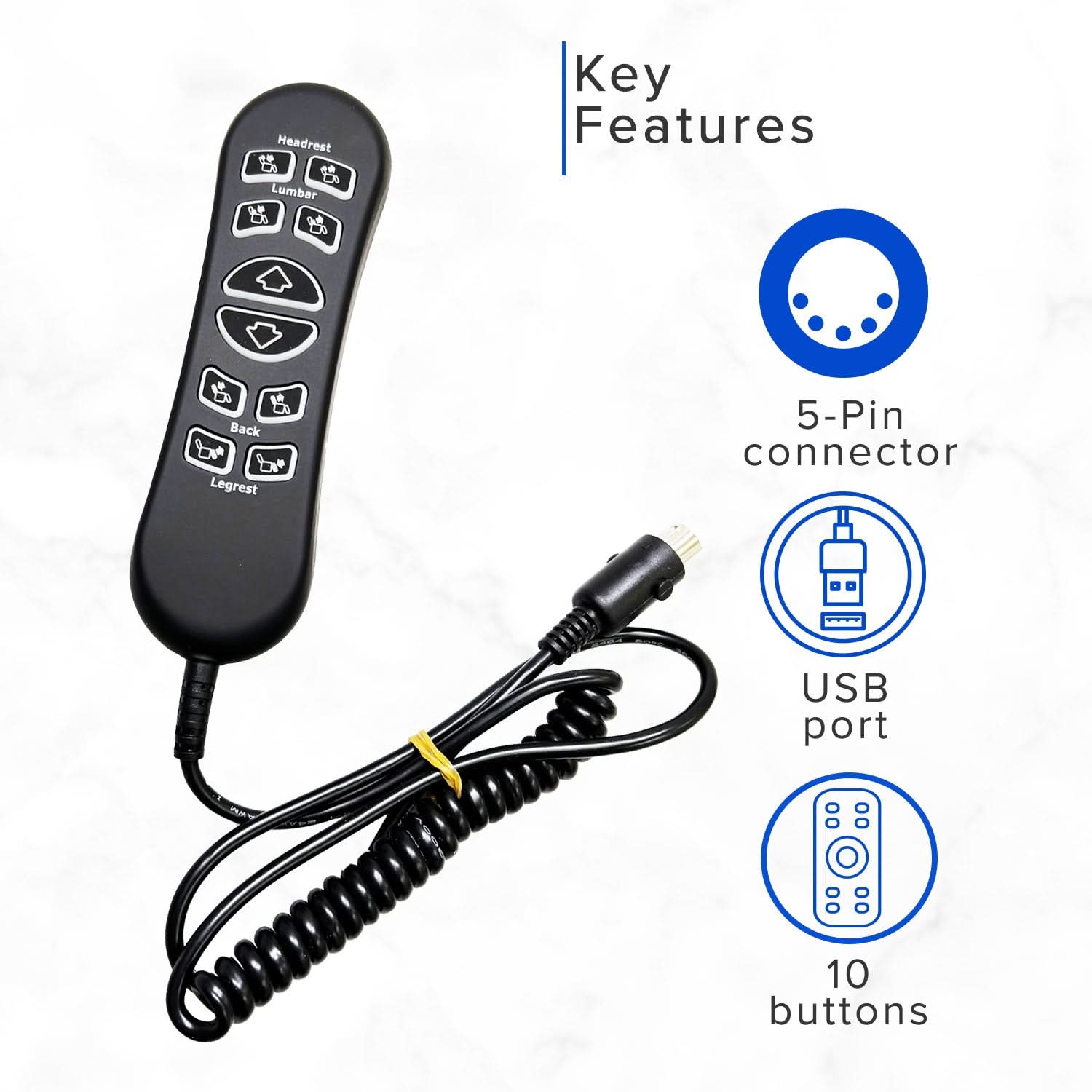
Reset the massage chair and remote
A reset can clear a temporary communication or software fault. It is one of the safest ways to fix a massage chair remote when the chair and controller have power but do not respond correctly.
Use a basic power reset:
- Turn off the massage chair.
- Unplug it from the wall.
- Remove the remote batteries, if possible.
- Wait two to five minutes.
- Reconnect the remote cable or install fresh batteries.
- Plug the chair directly into the wall.
- Turn on the chair and test one function at a time.
Some models have a remote reset button or a reset option in the settings menu. Follow the manual for that exact model. A reset may erase saved massage programs or user settings.
Do not press random button combinations found online. Reset codes vary by brand and model. An incorrect sequence may place the chair in a service mode.
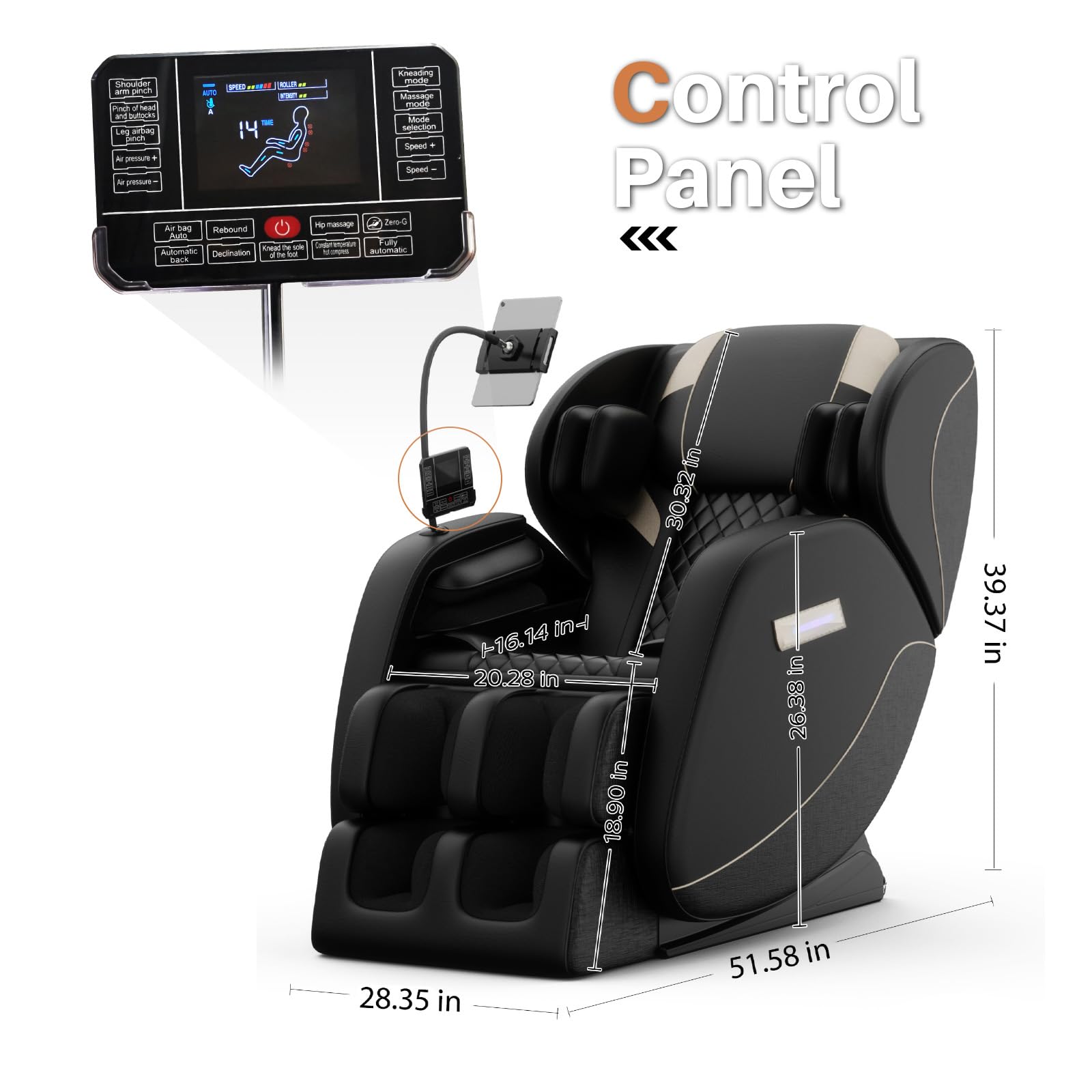
Pair a wireless massage chair remote
Wireless remotes may need to pair with the chair’s receiver. The pairing steps differ, but the general process is often similar.
Try these steps only if they match your manual:
- Turn off the chair.
- Install fresh batteries in the remote.
- Turn on the chair.
- Hold the pairing or connect button.
- Press the required button on the chair or remote.
- Wait for a light, sound, or screen message.
- Test a basic massage program.
Keep the remote close to the chair during pairing. Move phones, tablets, and other wireless devices away during the process.
If pairing fails, replace the batteries and repeat the reset. If the chair never detects the remote, the wireless receiver, remote transmitter, or control board may have failed.

Test an infrared remote with a phone camera
Many infrared remotes send light that people cannot see. Some phone cameras can detect this light.
Open your phone’s camera app. Point the front of the remote toward the camera. Press a button and look for a small flashing light on the phone screen.
This test has limits. Some phone cameras filter infrared light, and some massage chair remotes use radio signals instead. A flashing light shows that the remote may be transmitting, but it does not prove that the chair’s receiver is working.
If the remote sends a signal but the chair does not respond, inspect the chair’s sensor. Remove dust from the sensor area and make sure nothing blocks it.

Diagnose the problem by its symptoms
The symptoms can help you narrow down the fault. This makes how to fix a massage chair remote more direct and prevents unnecessary part replacement.
The remote has no display or lights
Check the batteries, battery contacts, power switch, and cable. If fresh batteries do not help, the remote circuit board may be damaged.
The display works, but the chair does not move
Check the cable, pairing, signal path, and chair power. The remote may work while the chair’s receiver or main control board has failed.
Only some buttons work
Clean the keypad and look for stuck buttons. A worn membrane or damaged contact pad may require remote replacement.
The chair performs the wrong function
A stuck button, liquid damage, or faulty control board can send incorrect commands. Unplug the chair and stop using the remote until you identify the cause.
The remote works for a few minutes
This may point to weak batteries, overheating, a loose cable, or an internal solder fault. Test the remote while it is cool and in a fixed position.
The chair beeps but does not move
Check for a safety lock, recline obstruction, leg rest blockage, or error code. Massage chairs often stop movement when a motor detects unusual resistance.
Repair or replace the remote?
A simple cleaning job may be worth trying. Internal circuit repair is less suitable for most homeowners because remote boards use small components and model-specific wiring.
Repair may make sense when:
• The cable is loose but undamaged
• The battery contacts need cleaning
• Dirt is blocking the buttons
• The remote only needs pairing
• The manufacturer sells a replacement keypad
Replacement is usually safer when:
• The circuit board has liquid damage
• The cable is broken inside
• The screen is cracked
• Several buttons fail
• The remote smells burned
• The chair has an error after a power surge
Buy a replacement remote using the exact brand, model number, connector type, and part number. A universal remote may not support every program or safety feature.
One common repair mistake is buying a remote that looks identical but uses different software. Always compare the label on the chair and remote with the seller’s compatibility list.
When to call a professional
You should stop learning how to fix a massage chair remote at home when the issue points to the chair’s electrical or mechanical system.
Call a trained technician if:
• The chair trips the circuit breaker
• You smell burning or melted plastic
• The chair moves without a command
• A cable is damaged near the power supply
• The chair is stuck in a reclined position
• The main control board may be faulty
• The chair is still under warranty
• The problem returns after a reset
Massage chairs contain motors, moving frames, airbags, and electrical controls. A chair can pinch fingers or move suddenly during testing. Keep children and pets away while troubleshooting.
If the chair is under warranty, do not open the remote or control housing first. Unauthorized repairs may affect warranty coverage.
How to prevent future remote problems
Once you know how to fix a massage chair remote, prevention becomes much easier. Store the controller where it will not fall between the chair and wall.
Follow these habits:
• Keep drinks away from the remote.
• Do not pull the wired remote by its cable.
• Place the remote in its holder after use.
• Remove batteries before long-term storage.
• Keep the infrared sensor clean.
• Protect the chair from power surges.
• Avoid sitting on the remote.
• Do not bend the cable sharply.
• Use the correct replacement parts.
A surge protector may reduce damage from voltage spikes, but it is not a complete guarantee. Use a properly grounded outlet and follow the chair manufacturer’s electrical instructions.
Frequently Asked Questions of How to fix a massage chair remote
Why is my massage chair remote not working?
Start with fresh batteries, the wall outlet, the chair’s power switch, and the remote cable. If the chair has power but the remote remains unresponsive, clean the buttons, reset the chair, and check pairing.
Can I replace a massage chair remote with a universal remote?
Usually, no. Massage chair remotes often use model-specific wiring, software, and communication signals, so a universal remote may not control all functions.
How do I reset my massage chair remote?
Turn off and unplug the chair for two to five minutes. Remove the remote batteries or disconnect the cable, then restore power and follow the reset steps in the model’s manual.
Why does my massage chair remote beep but not work?
The beep may show that the remote has power, but the chair may have a blocked sensor, loose cable, pairing problem, safety lock, or motor error. Check the chair for error codes and physical obstructions.
Can water damage a massage chair remote?
Yes. Water and other liquids can corrode the keypad and circuit board. Remove the batteries, unplug a wired remote, let it dry fully, and seek replacement advice if buttons remain faulty.
How much does a replacement massage chair remote cost?
The cost depends on the brand, model, display type, and availability. Check the official parts department first, then compare reputable sellers using the exact model and part number.
Conclusion
The best way to fix a massage chair remote is to start with simple causes: power, batteries, cable connections, stuck buttons, pairing, and a full reset. These checks solve many faults without opening the chair or risking damage.
If the remote has liquid damage, a broken circuit board, or a dangerous electrical symptom, replacement or professional service is the safer choice. Use the exact model information when ordering parts, and keep the remote dry and protected. Try these steps in order, then share your results or explore your chair manufacturer’s support resources.